

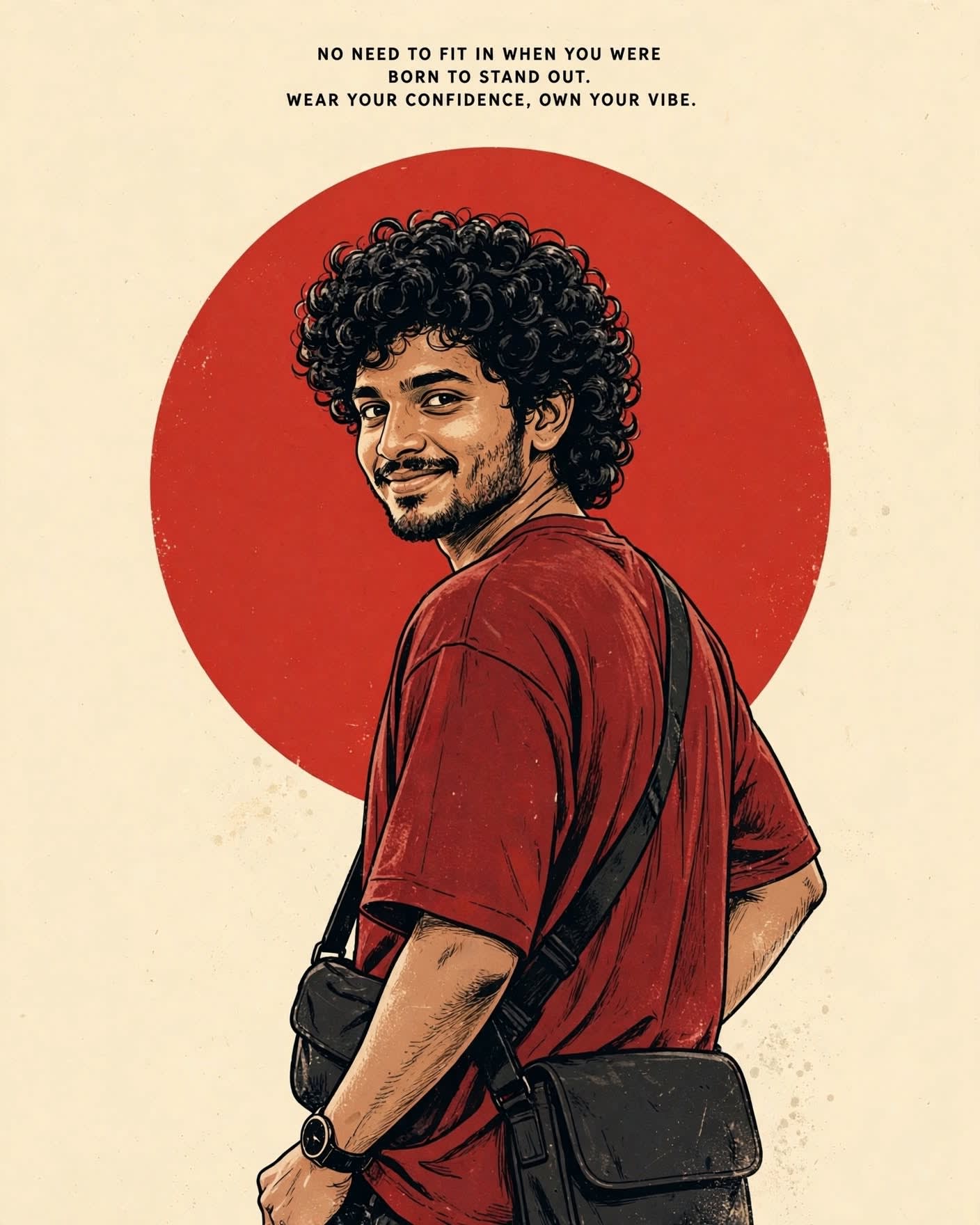
Meta AI Prompts for WhatsApp & Instagram Images
Meta AI is already inside WhatsApp, Instagram and Facebook, so for many people it is the easiest AI to try, with no new app and no payment. Just open a chat with Meta AI and type or paste your prompt.
These prompts are kept short and clear, because short instructions are easier to type and edit on a phone. They are great for good morning images, festival wishes, quick DPs and fun ideas to share in family groups.
Meta's newer Muse Image model is rolling out country by country, so features in India may differ from what you see in US videos. For Real Face photo edits, we suggest Gemini or ChatGPT.
1 Prompt Available
Meta AI Prompt Templates
SEO Knowledge Base
Meta AI AI Prompts — Questions & Answers
Everything you need to know about tested AI prompt templates and optimization.
How do I use these prompts in Meta AI?
Open a prompt, fill in its fields in the Customize panel, click copy, and paste the finished prompt into Meta AI.
Will I get the same image in Meta AI?
Each prompt shows the output its creator got in Meta AI. AI tools are not deterministic, so expect a similar result rather than an identical one.
Can I modify the parameters for my own use case?
Yes. Prompts with variable fields (such as subject, style, lighting or aspect ratio) let you change them before copying.